



Download FamilyWall – holiday planner, family itinerary, shared to-do list, vacation planning tool, family collaboration app
Overview
FamilyWall is a desktop-compatible application designed to simplify holiday planning for families and groups. The software enables users to create custom to-do lists, detailed itineraries, and travel guides, all within a shared digital space. Its core purpose is to centralize planning efforts, allowing multiple family members to contribute, comment, and coordinate on vacation details. This makes it particularly useful for organizing trips that involve multiple stakeholders, such as extended family gatherings or long-awaited family vacations.
The app is tailored for consumers and casual planners who value collaboration and digital organization. It is developed by Sprint, a telecommunications company, which may influence its integration with Sprint services, though specific details about this integration were not provided. Real-world usage scenarios include planning a summer road trip, coordinating a holiday reunion, or managing logistics for a destination wedding. The app’s focus on secure sharing ensures that only intended recipients—those already connected within the user’s network—can view or comment on shared content.
FamilyWall emphasizes privacy and controlled access, making it suitable for users concerned about data exposure. While the software is free to download and use, certain advanced features are restricted to paid subscribers, indicating a freemium model. The developer did not provide additional details about the app’s functionality beyond the core planning tools.
Key Features & Capabilities
- Shared To-Do Lists – Users can create and assign tasks for vacation preparation, such as packing, booking accommodations, or arranging transportation. These lists are accessible to selected family members, enabling real-time updates and progress tracking.
- Custom Itineraries – The app supports the creation of day-by-day travel plans, including time-stamped activities, locations, and notes. This feature helps ensure that no key event or detail is overlooked during the trip.
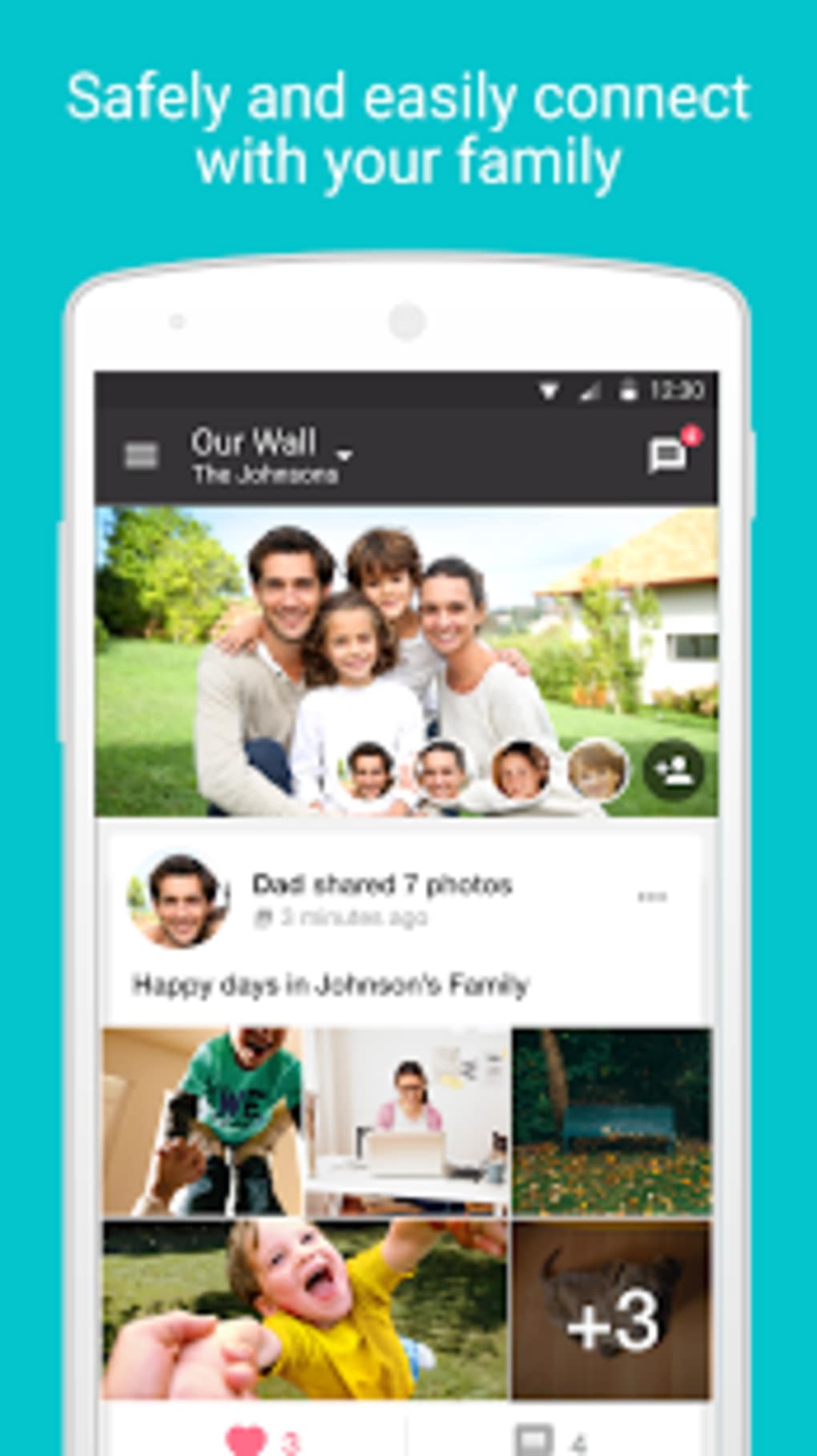
- Collaborative Content Sharing – Family members can upload photos, videos, and notes directly into shared folders. This allows for collective memory-building and helps preserve the trip’s experience beyond the journey itself.
- Privacy-Protected Access – Only users connected through the app’s network can view or comment on shared content. This ensures that personal travel plans and media remain secure and are not exposed to external parties.
- Real-Time Updates – Changes made by one user are instantly visible to others, improving coordination and reducing miscommunication during the planning phase.
These capabilities are especially beneficial for families managing complex trips with multiple participants. For example, a parent can create a packing checklist, assign tasks to children, and receive updates as items are completed. Similarly, a family member can upload a photo of a recommended restaurant, which others can then reference during itinerary planning.
User Interface, Workflow & Performance
FamilyWall features a clean, intuitive interface designed for ease of navigation. The layout emphasizes visual clarity, with clearly labeled sections for to-do lists, itineraries, and shared media. Users can switch between views with minimal clicks, supporting a smooth workflow from planning to execution.
Navigation is straightforward, with a bottom or side menu providing access to core functions. The app’s workflow is linear and logical, guiding users through the process of creating a plan, inviting participants, and sharing updates. Task management is handled through simple checklists, while itinerary creation supports drag-and-drop adjustments and time-based scheduling.
Performance details were not specified by the developer. However, based on the app’s size (45 MB) and its intended use for collaborative planning, it is likely optimized for responsive operation on mobile devices. The developer did not provide information about CPU or RAM usage. Stability and background performance are expected to be consistent with typical mobile applications, though real-world observations are limited.
Compatibility & System Requirements
FamilyWall is available for both Android and iOS platforms. The software is compatible with devices running the latest versions of these operating systems, though specific version numbers were not listed. The installation size is 45 MB, which is relatively compact and suitable for devices with limited storage.
Exact system requirements were not listed. The developer did not specify minimum processor speed, RAM, or storage capacity. Users should ensure their device meets general mobile app requirements for smooth operation. Compatibility with desktop systems was not confirmed, though the app may be accessible via web-based interfaces or companion tools not detailed in the provided information.
Pros and Cons
Pros
- Free to download and use with basic features
- Intuitive interface designed for family collaboration
- Secure sharing with controlled access to content
- Supports real-time updates and task tracking
- Enables multimedia sharing for memory preservation
Cons
- Advanced features require in-app purchases
- Limited information on system requirements
- Compatibility with desktop systems not confirmed
- Performance data not provided by developer
- Freemium model may restrict full functionality for free users
FAQ Section
Is FamilyWall available for desktop computers?
The developer did not specify whether FamilyWall supports desktop operating systems. The app is confirmed for Android and iOS devices.
Is the app secure for sharing family photos and plans?
Yes, only users connected within the app’s network can view or comment on shared content, ensuring privacy and security.
Are there any in-app purchases?
Yes, while the app is free to download, some advanced features are available through in-app purchases.
How often does the app receive updates?
The developer did not provide information about update frequency. Users should check their device’s app store for the latest version.
Can I use FamilyWall offline?
The developer did not specify offline functionality. Some features may require an internet connection for real-time collaboration.
Final Thoughts + CTA
FamilyWall stands out as a practical tool for families aiming to streamline vacation planning through collaboration. Its focus on shared to-do lists, secure content sharing, and real-time updates makes it a valuable resource for coordinating trips. While the freemium model limits access to premium features, the free version remains functional for basic planning needs.
Users who prioritize privacy, ease of use, and group coordination will find the app particularly beneficial. It is ideal for families planning holidays, reunions, or long-distance trips where communication and task management are essential.
Download FamilyWall now to start organizing your next family adventure with confidence and clarity.






.png)
